See It In Action
Clean, blurred overlays keep your feed organized
LinkedIn Feed
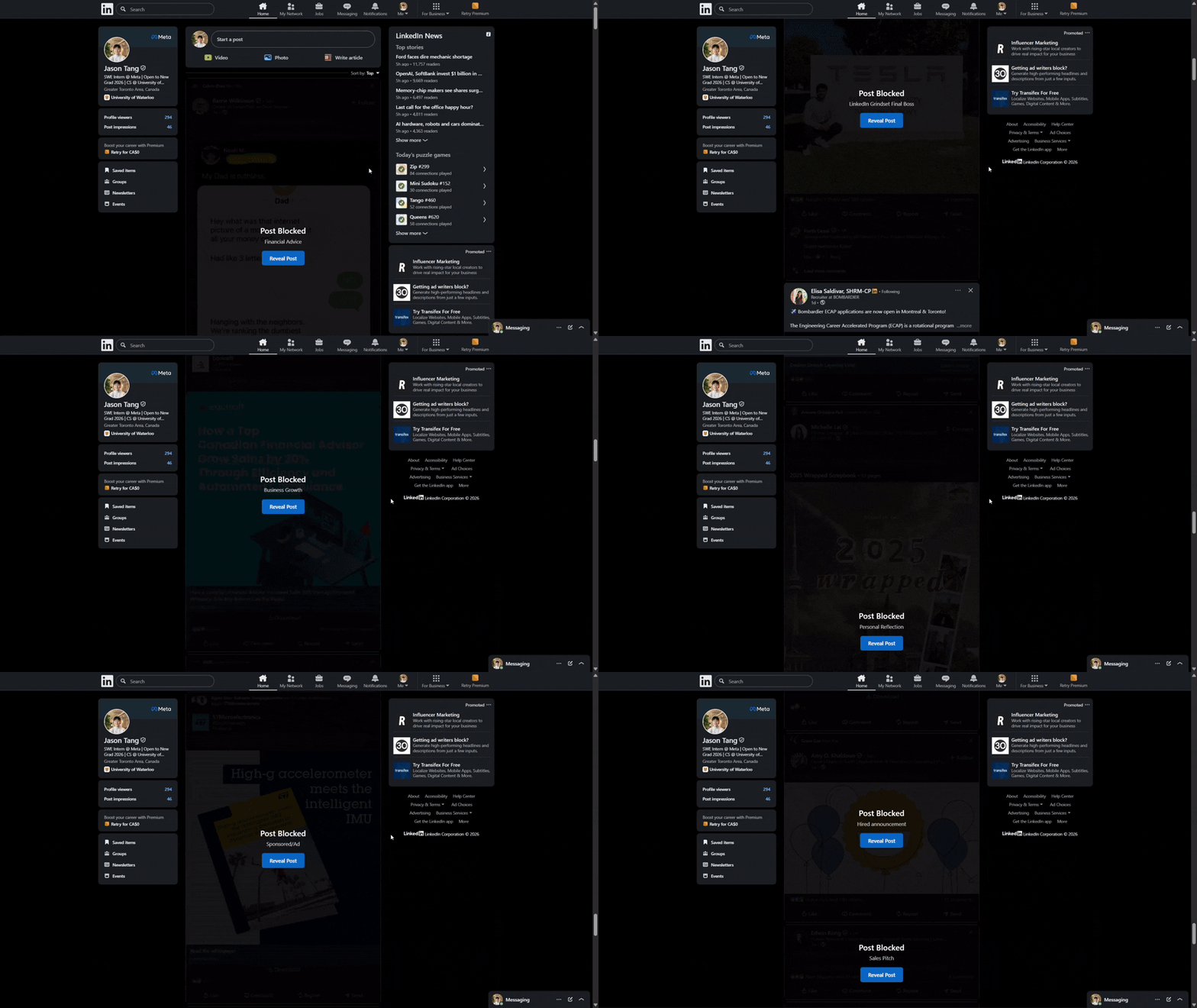
Slop Block filters your LinkedIn feed to show only recruiter hiring posts. Say goodbye to job announcements, grindset posts, and engagement bait. Focus on what matters: real opportunities.
Clean, blurred overlays keep your feed organized
Slop Block identifies and filters 0+ categories of LinkedIn noise
Follow these simple steps to get Slop Block running in your browser
Extract the downloaded ZIP file to a location you can easily
access. You should see a folder named
Slop-Block-main (or similar).
Open Google Chrome and navigate to
chrome://extensions/ in the address bar.
Alternatively, go to Menu (⋮) →
Extensions →
Manage Extensions.
Toggle the "Developer mode" switch in the top-right corner of the Extensions page.
Click the "Load unpacked" button that appears.
Navigate to and select the chrome extension folder
inside the extracted Slop-Block directory.
Slop Block uses Chrome's built-in LanguageModel API powered by Google Gemini Nano for AI classification. To enable this feature:
chrome://flags in your address bar#prompt-api-for-gemini-nano#optimization-guide-on-device-modelFor detailed setup instructions and system requirements, see the official Google Chrome AI documentation. Note: The extension will still work with local heuristics if the API is not available.
That's it! Visit your LinkedIn feed and Slop Block will automatically start filtering posts. You can customize which post categories to show/hide by clicking the extension icon in your Chrome toolbar.
Install Slop Block and transform your LinkedIn experience. Free, open source, and privacy-focused.